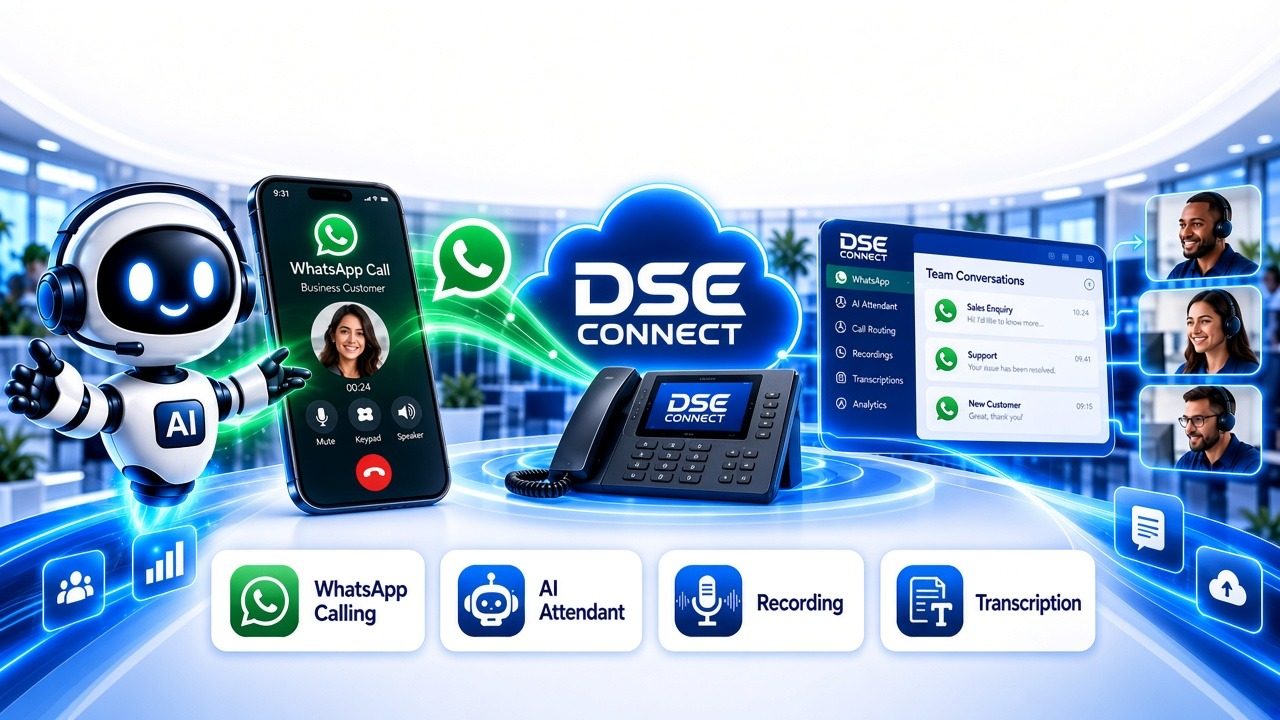
WhatsApp calls belong on your company phone system, not on staff cellphones
Your customers already use WhatsApp. When they voice-call a staff member’s cellphone, that call sits outside your business phone system. It is not answered consistently, not logged and not routed to the right team, and there is nothing to refer back to afterwards. If the employee is unavailable or leaves the company, the conversation and the customer relationship go with them.
With the WhatsApp Calling add-on, DSE Connect brings WhatsApp calls onto one hosted PBX. Add the AI Attendant to answer them, and the recording and transcription add-ons to record and transcribe them.
WhatsApp Calling, AI Attendant, recording and transcription are paid add-ons on DSE Connect hosted packages. None of them is included as standard.
Paid add-ons on DSE Connect hosted packages only.
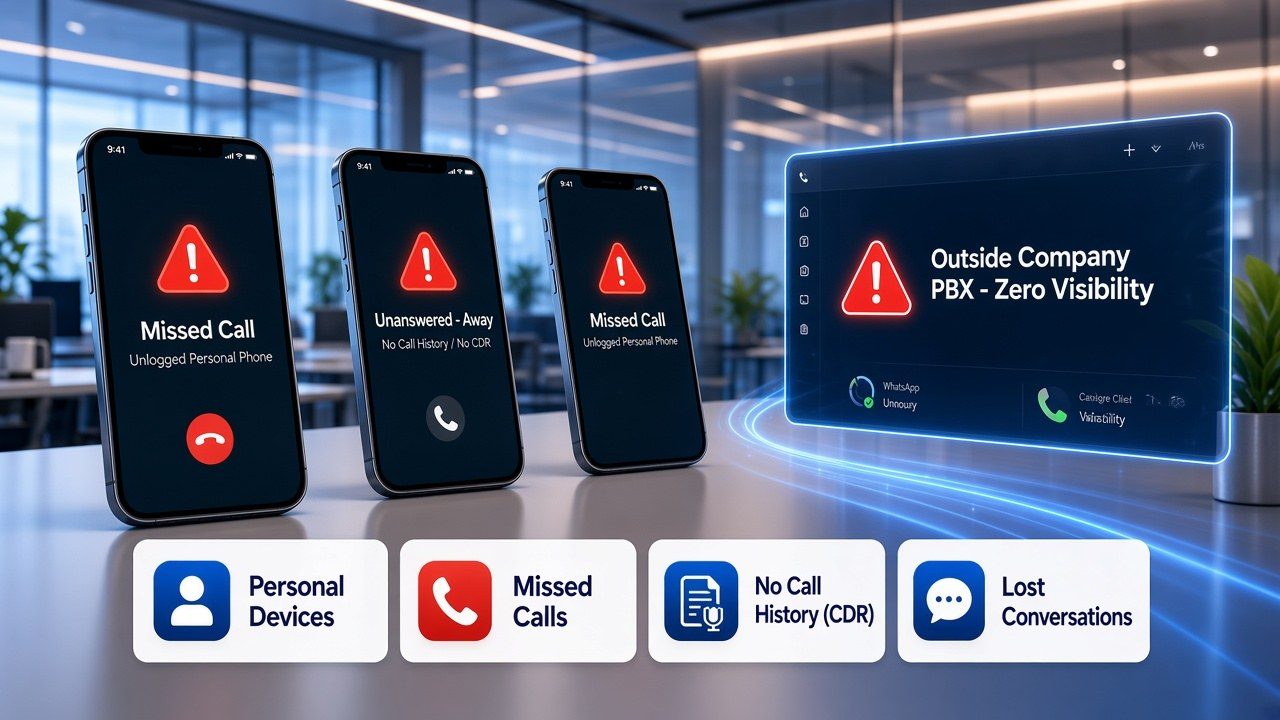
The problem: unmanaged WhatsApp calls
- Calls arrive on personal or individual devices, outside the PBX.
- Calls go unanswered when the person is busy or away.
- There is no call history (CDR) to show who called, when, or who answered.
- Nothing from the conversation is captured to refer back to.
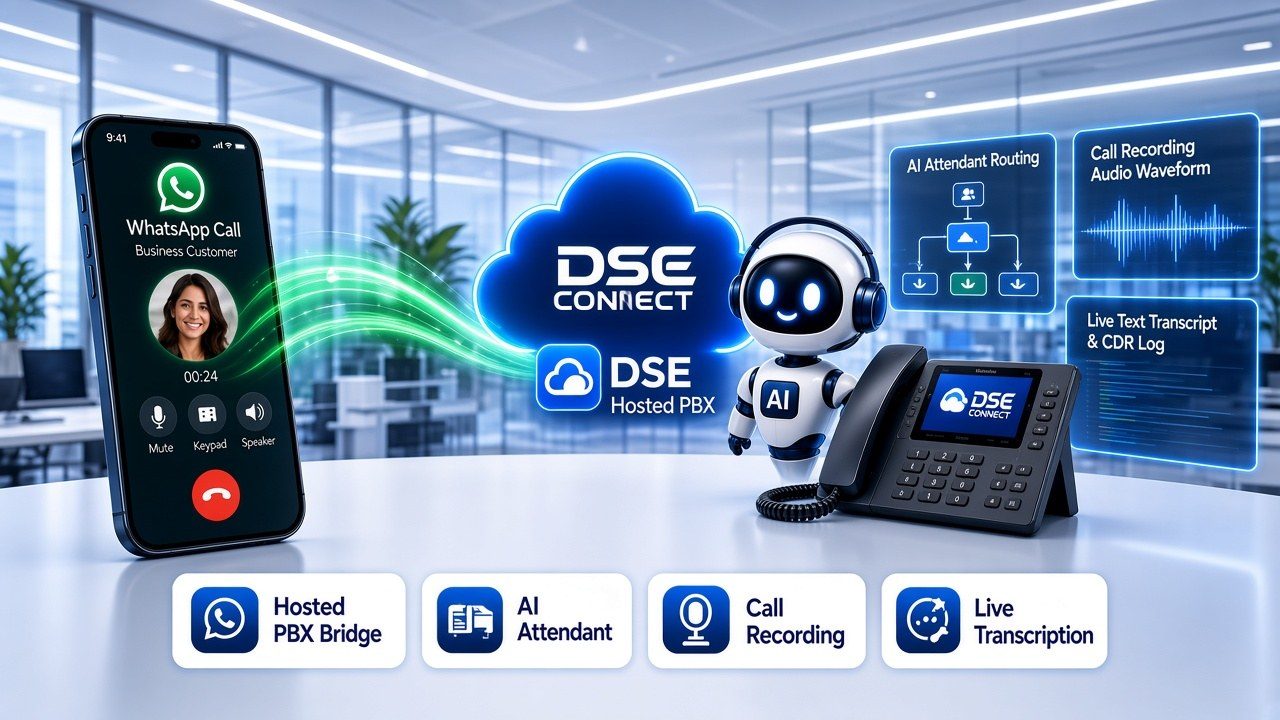
The solution: WhatsApp calls on one hosted PBX, with paid add-ons for AI Attendant, recording and transcription
With the WhatsApp Calling add-on, DSE Connect’s WhatsApp calling bridge delivers inbound WhatsApp voice calls into our hosted PBX.
WhatsApp calls arrive in your PBX like any other call. They’re routed to your ring groups, queues and business-hours rules, and logged in call history.
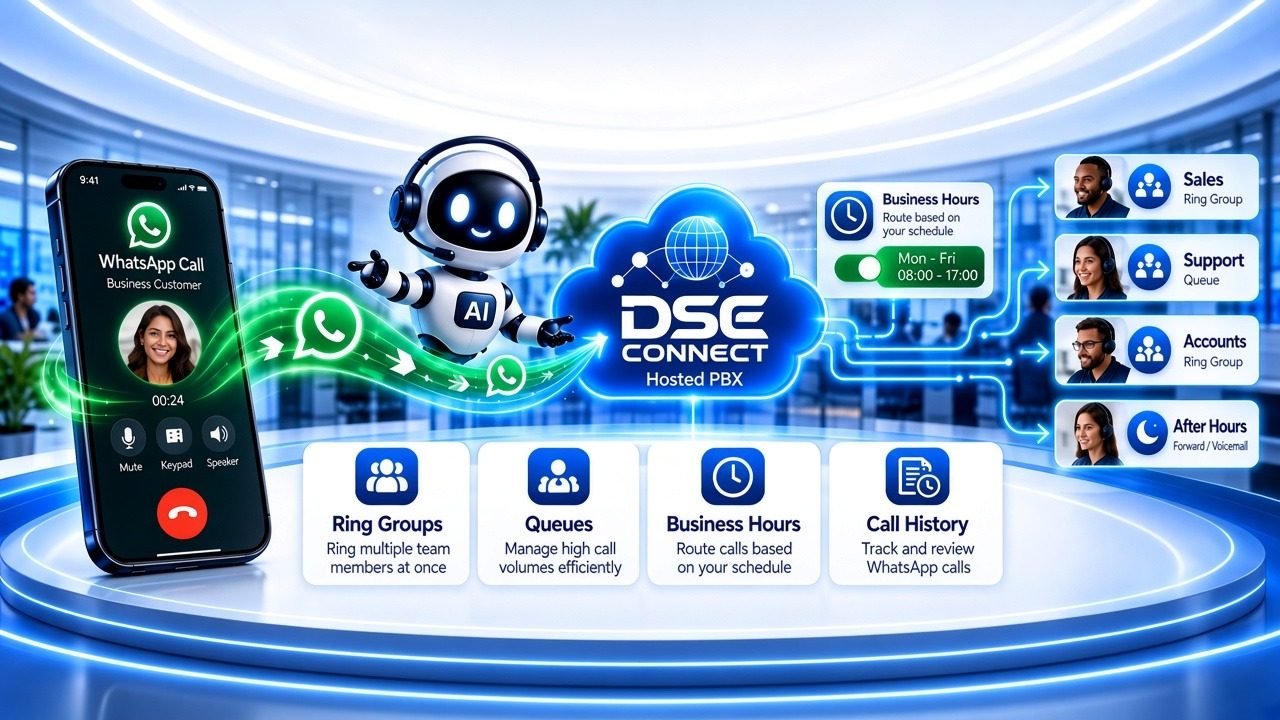
- AI Attendant (paid add-on): picks up incoming WhatsApp calls and routes each caller to the correct department or extension.
- Call recording (paid add-on): WhatsApp calls on the DSE Connect hosted PBX can be recorded, so your team can refer back to the conversation.
- Transcription (paid add-on): recorded WhatsApp calls can be transcribed into text.
- Ring groups, queues and business hours: WhatsApp callers reach the correct team, in line with your office-hours and after-hours rules. Ring groups are available on Pro plans and above; Starter includes basic hunt groups and call queues.
- Call history (CDR): WhatsApp calls are logged in call history alongside your other calls.
Your team can also call customers back on WhatsApp where they’ve allowed it.
Recording notice: Let callers know calls may be recorded. Your business is responsible for this notice, and for how recordings and transcripts are accessed, kept and handled.
Package note: WhatsApp Calling, AI Attendant, recording and transcription are paid add-ons on DSE Connect hosted packages. None of them is included as standard. Each is quoted separately. Transcription is not available on the Starter plan, and usage is billed separately. Routing features vary by plan. We confirm eligibility and pricing for your package in writing before you sign.
How inbound and outbound WhatsApp calls work under a Meta Business Plan
With the WhatsApp Calling paid add-on on a DSE Connect hosted package, DSE Connect connects your official WhatsApp Business number through the Meta WhatsApp Business Platform (Cloud API and SIP trunking) into the DSE Connect hosted PBX. Unlike a single cellphone running the standard WhatsApp Business app, your number operates on your company phone system so multiple extensions can answer calls and messages simultaneously, transfer calls between departments, and pair it with the optional paid add-ons for the AI Attendant (which answers and directs incoming callers), call recording and transcription.
1. Inbound WhatsApp calls (Customer → Business)
Customers tap the Voice Call button inside your WhatsApp chat or Business Profile from anywhere in the world. Inbound WhatsApp voice calls carry no Meta per-minute call fee regardless of call duration, use the caller’s standard WhatsApp data or Wi-Fi connection rather than cellular airtime, and route straight into your PBX ring groups, queues, desk phones, reception console and the DSE Connect UC App (supporting simultaneous inbound calls on one official business number; routing features and UC App availability depend on your plan).
Free Inbound Voice from Meta2. Inbound messages & the 24-hour customer service window
Customers can send text messages, voice notes, photos (up to 5 MB), audio or video (up to 16 MB) and documents such as PDFs, Word or Excel files (up to 100 MB) to your business number at no Meta inbound message fee. Every customer message opens a 24-hour customer service window during which your team can send unlimited free-form replies, quotes and PDFs at no Meta messaging charge.
24-Hour Free Reply Window3. Outbound WhatsApp calls & Meta call permissions (Business → Customer)
Under Meta’s WhatsApp Business Platform rules, businesses cannot cold-call WhatsApp users without prior consent. Outbound calling is protected by Meta user call permissions:
- Automatic 7-day callback window: When a customer calls your business on WhatsApp (even if missed) and grants callback permission, your team can call them back on WhatsApp for 7 calendar days.
- One-tap call permission request: When your staff dial out to a customer on WhatsApp from their PBX extension in the DSE Connect UC App (app availability depends on your plan) using the
88prefix plus the customer’s number, and the customer has not yet granted call permission, DSE Connect’s bridge automatically sends an interactive “Allow Voice Calls” request card to their WhatsApp (using a free interactive prompt inside an active 24-hour chat window, or an approved Meta Call Permission Template outside the 24-hour window). - Permanent call permission (never expires): Once a customer taps Allow (or enables Allow voice calls on your WhatsApp Business Profile), that permission does not expire — your staff can call them on WhatsApp from their PBX extensions at any time in the future without waiting for a new 24-hour or 7-day window.
4. Meta billing for outbound calls & out-of-window templates
Meta charges no monthly SIP trunk fee and does not charge for unanswered outbound calls. Answered outbound WhatsApp voice calls are billed by Meta in 6-second increments according to Meta’s official country rate card. Similarly, free-form replies inside an open 24-hour customer service window carry no Meta messaging fee, while business-initiated follow-ups sent more than 24 hours after a customer’s last message use pre-approved Meta Message Templates (Utility, Authentication or Marketing/Call-Permission templates) billed per delivered message. Meta’s pass-through rates are separate from DSE Connect package prices and are confirmed in writing during your setup check.
Transparent Meta TariffCommercial & POPIA note: On DSE Connect hosted packages, WhatsApp Calling, AI Attendant, call recording and transcription are all paid add-ons (none is included as standard, and each is quoted separately). Only call or message customers who have granted permission, and handle customer numbers, recordings and transcripts in line with your POPIA obligations.
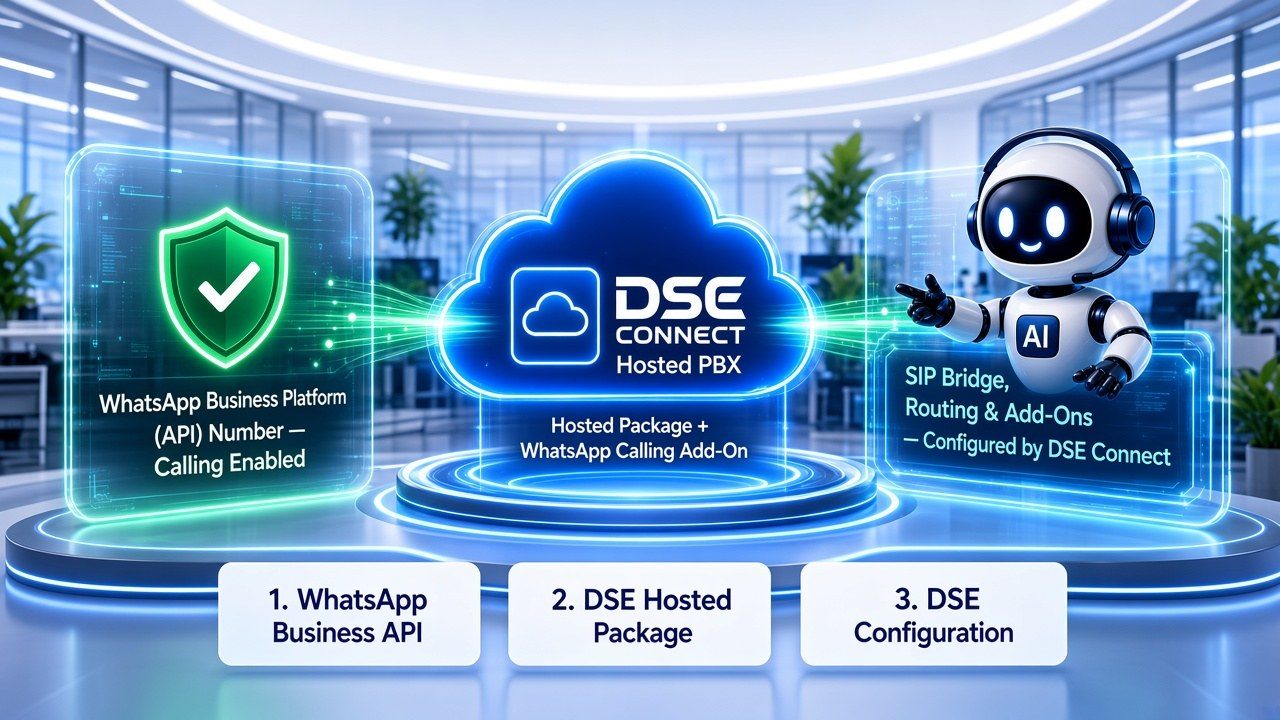
Requirements
- A WhatsApp Business Platform (API) number with calling enabled in Meta. The standard WhatsApp Business app on a phone is not supported for this service.
- A DSE Connect hosted package with the WhatsApp Calling add-on. The service runs on the DSE Connect hosted PBX. Hosted packages only. The AI Attendant, recording and transcription are further paid add-ons.
- Configuration by DSE Connect. We connect the WhatsApp calling bridge, configure routing, and set up any AI Attendant, recording and transcription add-ons you have selected.
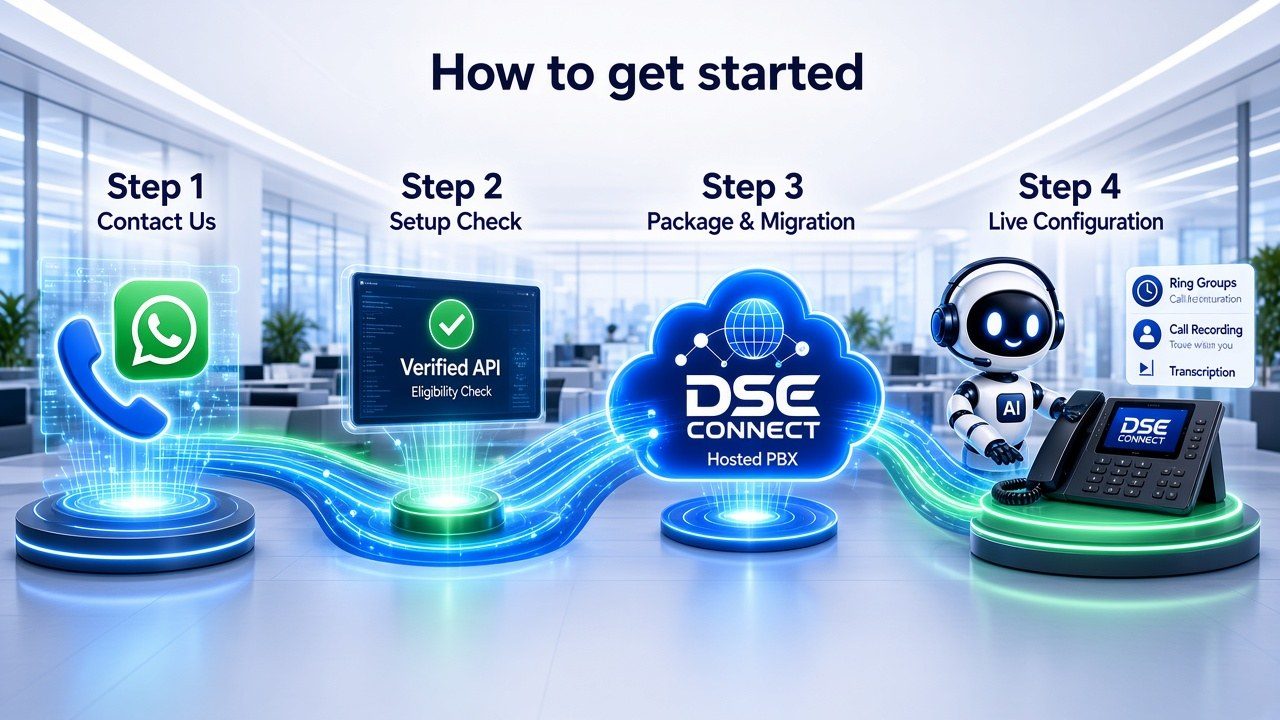
How to get started
- Contact us on 010 110 1680 or WhatsApp on 060 222 4724.
- Setup check: we confirm your WhatsApp Business Platform number, calling enablement and hosted package eligibility.
- Package and migration: if you are not yet on a DSE Connect hosted package, we discuss moving your business lines and selecting a suitable package and add-ons.
- Configuration: we connect the WhatsApp Calling add-on, set up your routing rules, and configure any AI Attendant, recording and transcription add-ons you have selected.
Paid add-ons on DSE Connect hosted packages only.
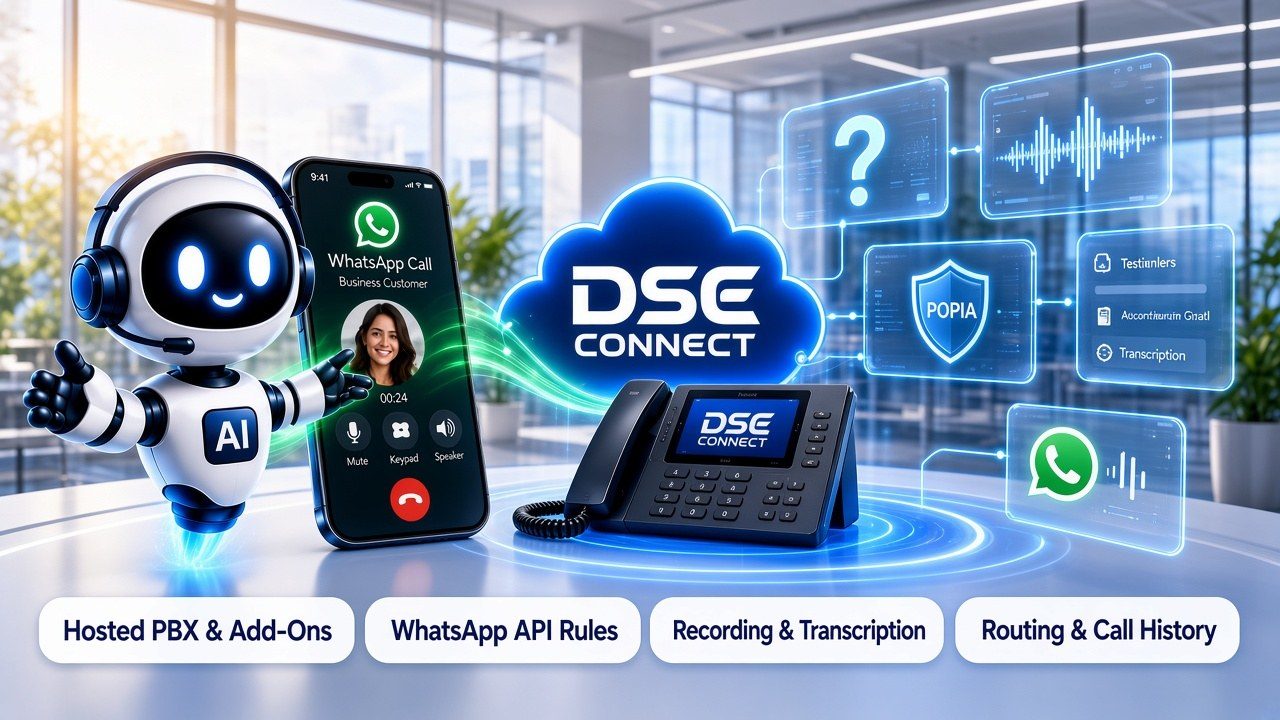
Frequently asked questions
What is WhatsApp calling on a hosted PBX?
WhatsApp calling on a hosted PBX means inbound WhatsApp voice calls to a business's WhatsApp number are delivered into the business's cloud phone system (PBX) instead of to an individual phone. DSE Connect does this through its WhatsApp calling bridge into the DSE Connect hosted PBX.
Is WhatsApp Calling included in my hosted package?
No. WhatsApp Calling, AI Attendant, recording and transcription are paid add-ons on DSE Connect hosted packages. None of them is included as standard. We quote each add-on separately.
Which WhatsApp account do I need?
You need a WhatsApp Business Platform (API) number with calling enabled in Meta. The standard WhatsApp Business app, as installed on a mobile phone, cannot be used for this service.
What does the AI Attendant do?
The AI Attendant is a paid add-on. It answers inbound WhatsApp calls on the DSE Connect hosted PBX and sends each caller where they need to go, whether a team or a specific extension.
Can WhatsApp calls be recorded?
Yes. Call recording is a paid add-on on DSE Connect hosted packages. Once it is enabled, WhatsApp calls can be recorded. Your business is responsible for letting callers know calls may be recorded.
Can WhatsApp calls be transcribed?
Yes. Transcription is a paid add-on. Recorded WhatsApp calls can be transcribed into text where recording and transcription are enabled on your package.
Do WhatsApp calls follow my ring groups, queues and business hours?
Yes. WhatsApp calls arrive in your PBX like any other call. They're routed to your ring groups, queues and business-hours rules, and logged in call history. Available features depend on your package.
Will WhatsApp calls appear in my call history?
Yes. WhatsApp calls arrive in your PBX like any other call and are logged in call history, alongside your other calls.
Can my staff call customers on WhatsApp from the PBX?
Yes. Staff can call customers back on WhatsApp where they've allowed it. To do this, a staff member dials 88 followed by the customer's number in the DSE Connect UC App (app availability depends on your plan). Meta's WhatsApp calling rules, including customer permission requirements, and Meta's fees apply.
Only call customers who have given permission to be contacted on WhatsApp. Your business remains responsible for obtaining and recording that consent and for handling customer numbers in line with POPIA.
Are there Meta charges for WhatsApp calling?
Meta's WhatsApp Business calling rules and fees apply and are set by Meta, not by DSE Connect. WhatsApp provider fees are not included in DSE Connect plan prices and are quoted separately. We will explain how they apply to your account during the setup check.
Is this available on every PBX or package?
No. WhatsApp Calling is a paid add-on offered on DSE Connect hosted packages only. It is not available on other PBX systems or every WhatsApp configuration. Contact us to confirm your setup.
Does this make my business POPIA compliant?
No. Recording, transcription and the AI Attendant do not, on their own, make a business compliant with the Protection of Personal Information Act (POPIA). Compliance depends on your own policies, caller notices, access controls and data-handling practices.
How do I start?
Contact us on 010 110 1680 or WhatsApp on 060 222 4724 and ask about moving your lines to a DSE Connect hosted package.
WhatsApp is a trademark of Meta Platforms, Inc. DSE Connect is not affiliated with or endorsed by Meta.
How to start with WhatsApp Calling on a DSE Connect hosted package
- Contact usContact us on 010 110 1680 or WhatsApp on 060 222 4724.
- Setup checkWe confirm your WhatsApp Business Platform number, calling enablement and hosted package eligibility.
- Package and migrationIf you are not yet on a DSE Connect hosted package, we discuss moving your business lines and selecting a suitable package and add-ons.
- ConfigurationWe connect the WhatsApp Calling add-on, set up your routing rules, and configure any AI Attendant, recording and transcription add-ons you have selected.