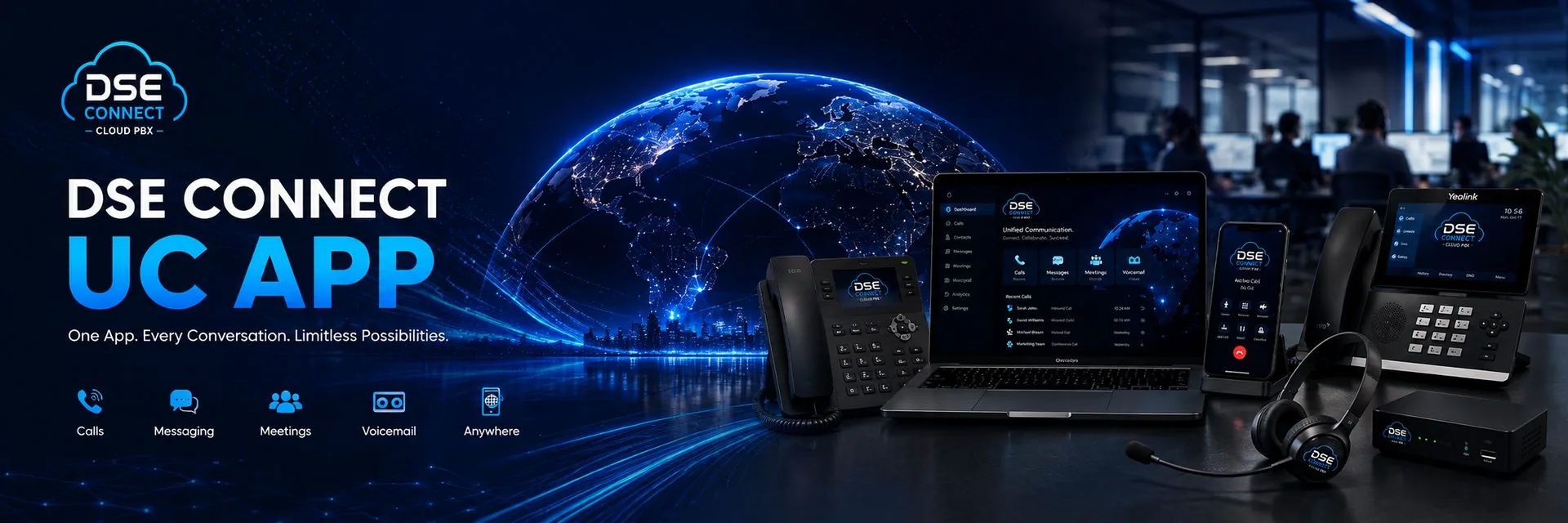
Your Business Phone.
On Every Device.
One extension, one number, every device. Answer on your desk phone, laptop or mobile — your team stays reachable without juggling apps or exposing personal numbers.
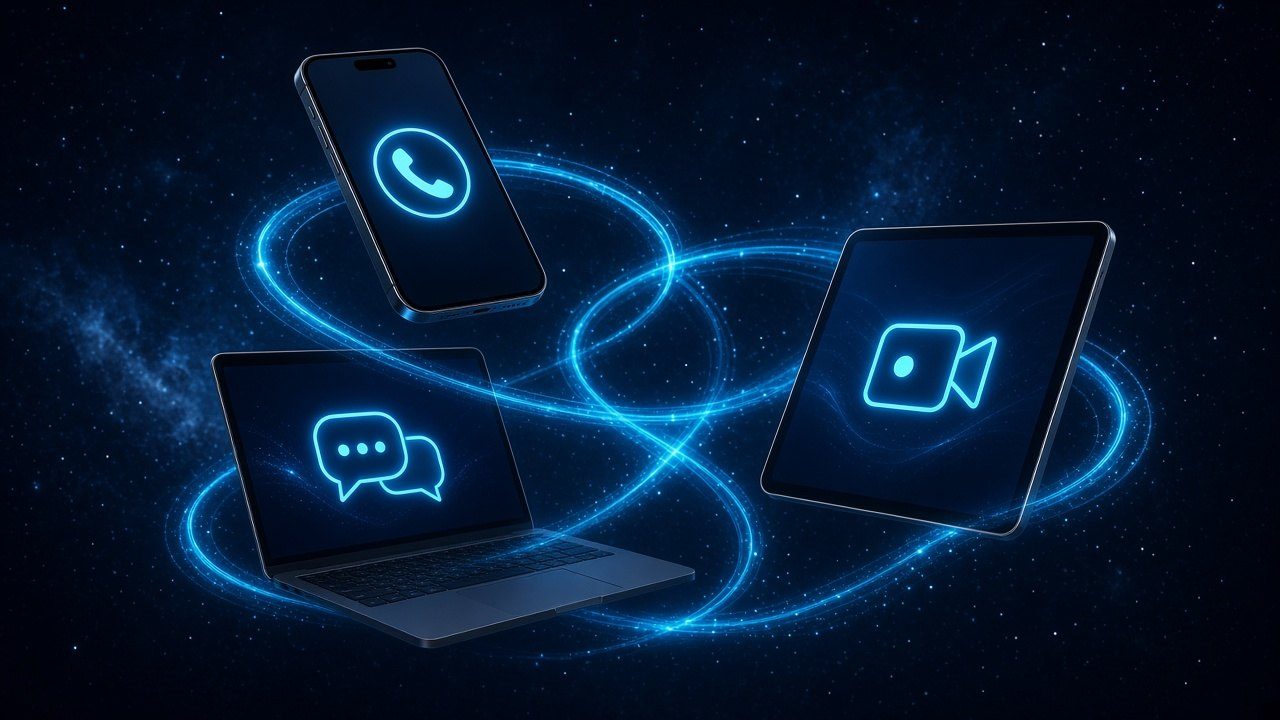
The all-in-one app for your business communications
Full-featured
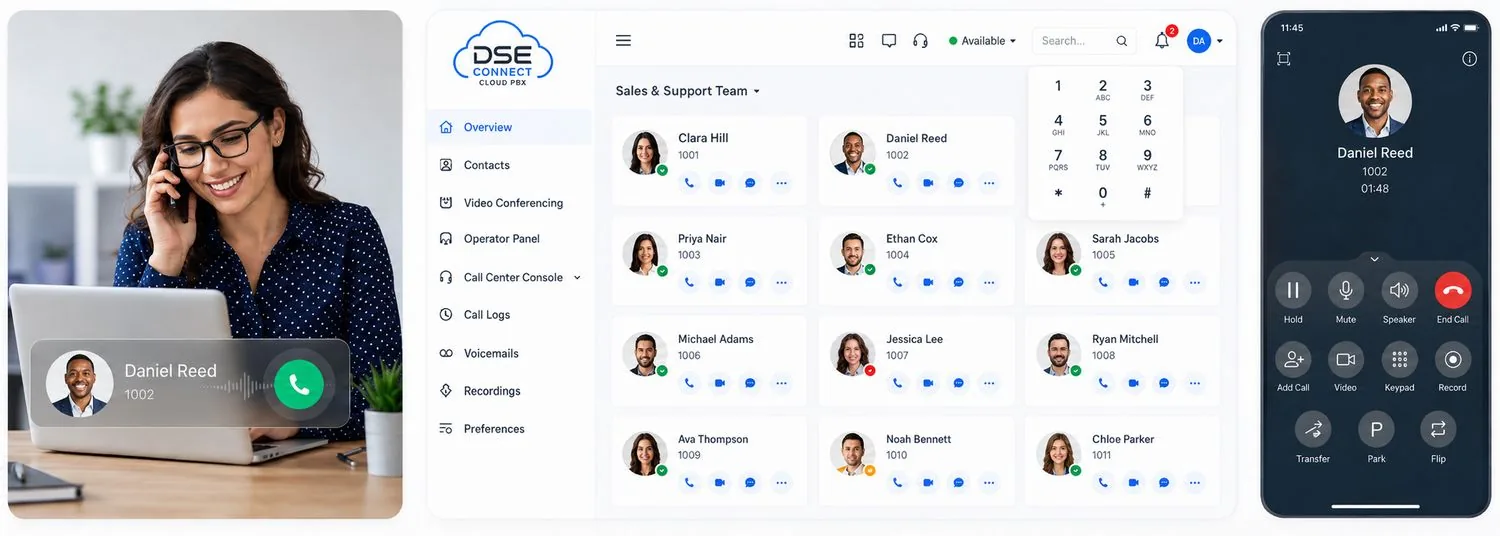
Call, video, message, conference and more. Reach every feature of your DSE Connect Cloud PBX from anywhere you have an internet connection.
Easy for everyone
Use the app on your computer or your mobile phone. Modern, easy-to-navigate interfaces keep everyday workflows simple.

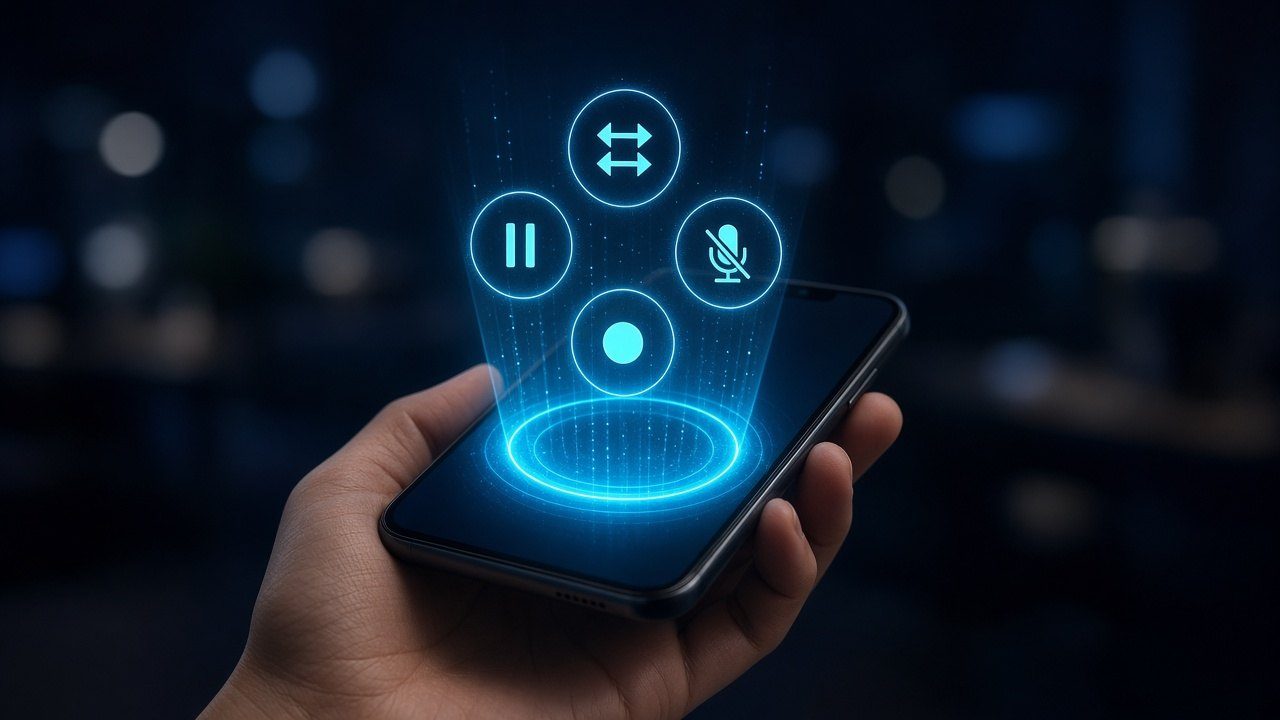
Manage and control your calls
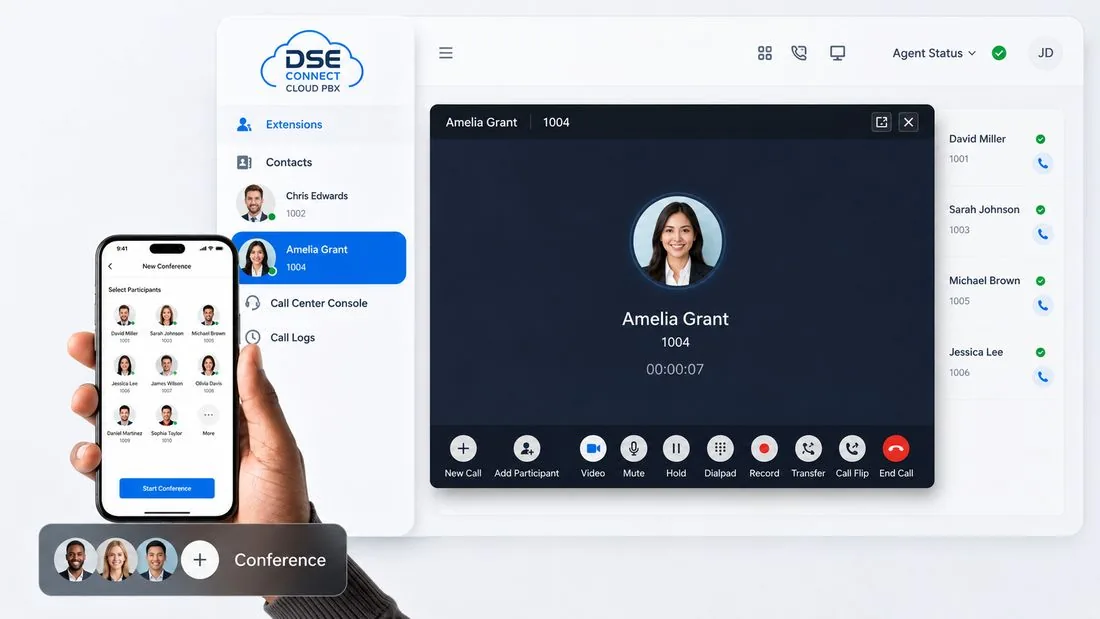
- Make and receive audio or video calls and switch between them with one click.
- Transfer, hold, mute or record a call to any phone number or extension.
- Check missed calls and call history. Listen to voicemail and one-touch recordings.
- Set up personal call-forwarding rules and ring strategies easily.
- Flip a live call between your desktop, mobile and IP desk phone without interrupting the conversation.

Chat, conference and collaborate
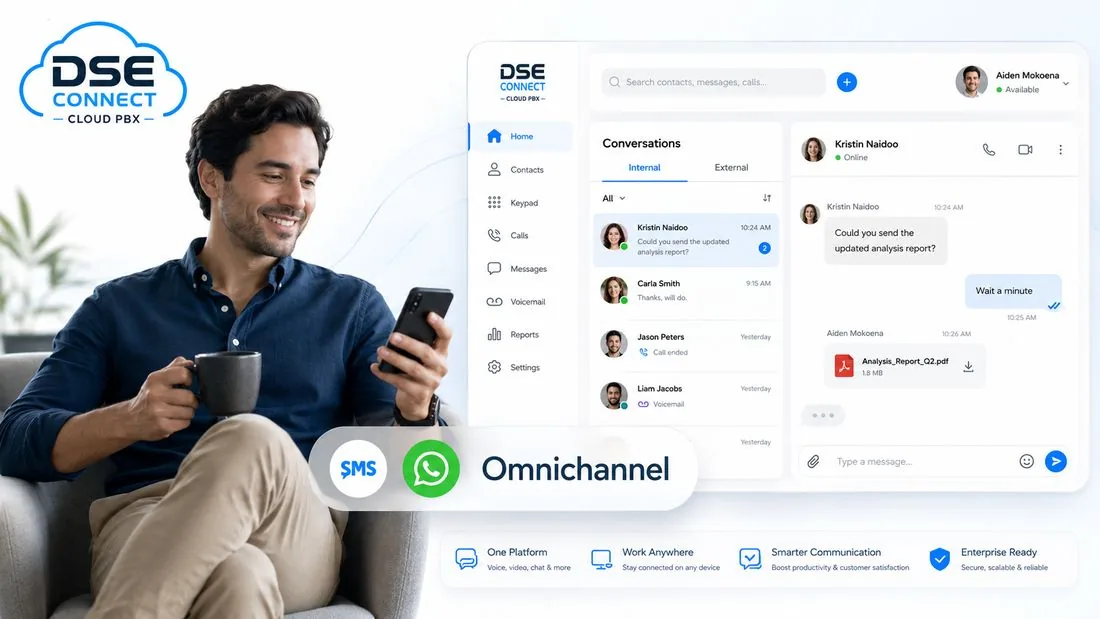
Omnichannel Messaging
WhatsApp, SMS and team chat. Answer customer messages from several channels and collaborate with your team, all in one interface.
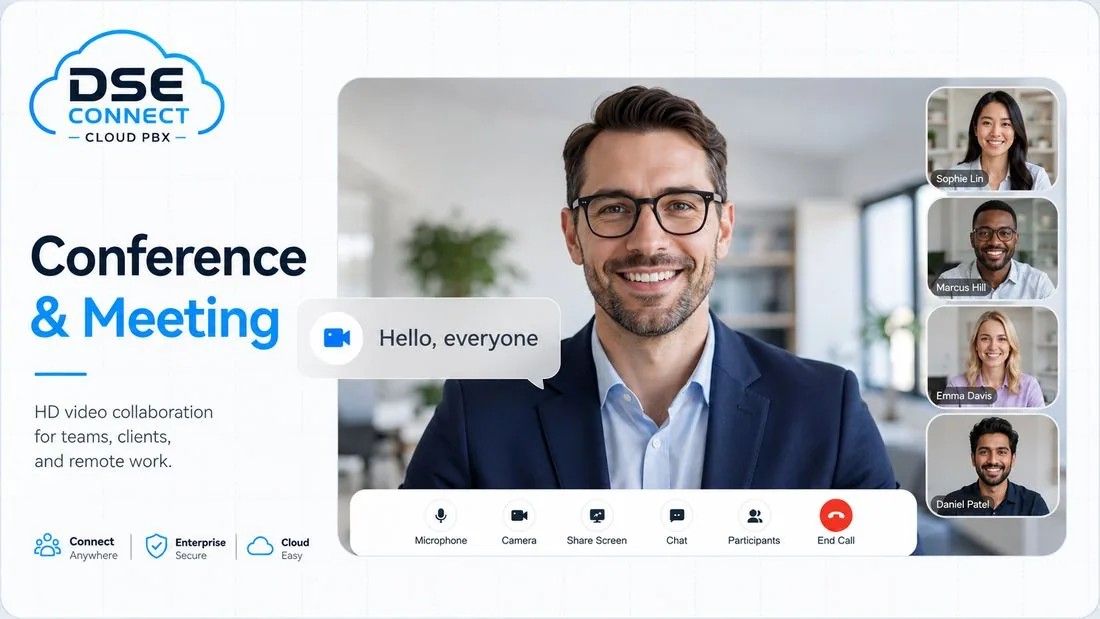
Conference and Meeting
HD audio conferencing and web-based video meetings with screen sharing. Start, schedule and join in a couple of clicks.

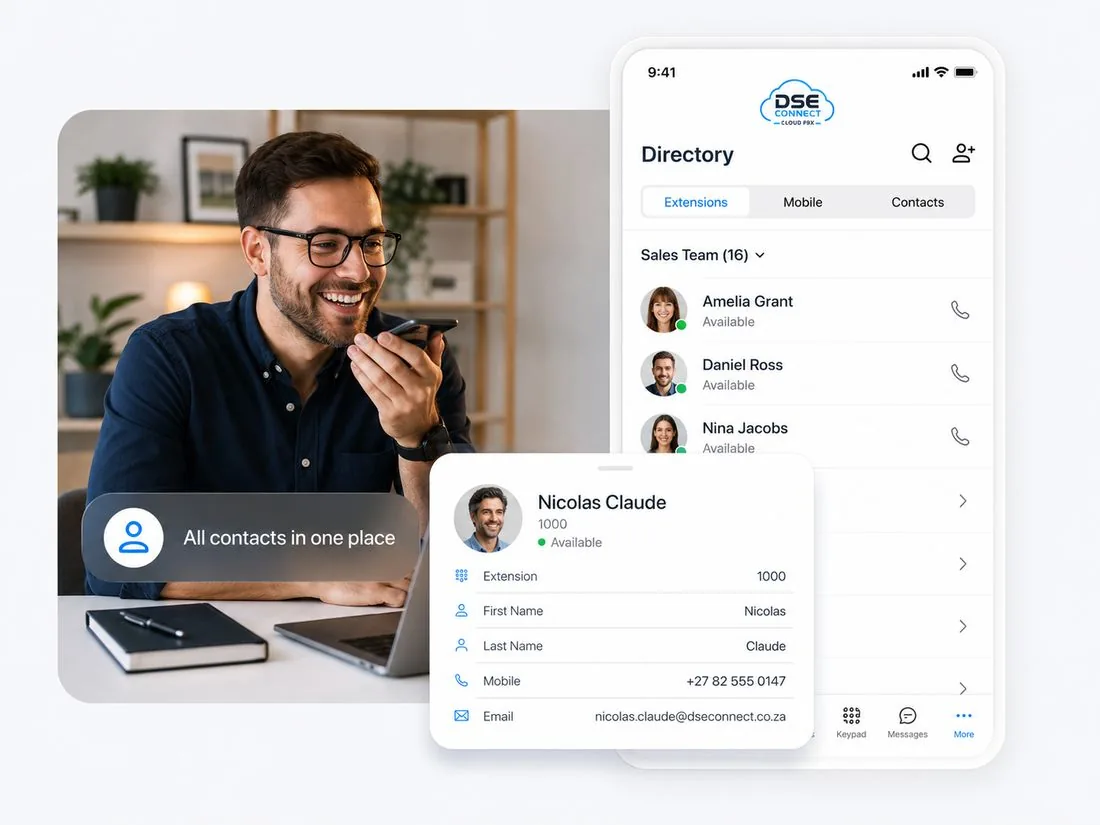
All contacts in one place
Keep the contact details that matter to your business in one unified address book. Your team always knows who is getting in touch, and can reach customers with less friction.
- Unified company directory
- Create and manage personal or shared contacts
- Sync contacts from CRM and helpdesk platforms
- Presence indicators show who is available at a glance
More standout features and integrations
Remote Access
Secure, stable communications from anywhere — no port forwarding required.
Call Centre Console
Monitor and manage queues and agent activity from the web client.
Presence States
Let colleagues see whether you are available, busy or away before they call.
File Sharing
Share documents, images and files in one-to-one or group chats.
Function Keys
Shortcuts for speed dial, intercom, BLF monitoring and other everyday actions.
Desk Phone Control
Control calls from your computer while speaking through a connected IP desk phone.
Microsoft Teams
Work inside Teams without leaving the conversation you are already in.
Outlook Integration
Click to call Outlook contacts and review call logs directly in Outlook.
CRM Integration
Connects to HubSpot, Salesforce, Zendesk, Zoho, Bitrix24, Odoo and more.
Get the App

One App. Every Device.
Turn your desktop, laptop, phone or tablet into your business phone. The DSE Connect UC App runs on Windows, macOS, iOS and Android — same features, same account, same number, wherever you are.
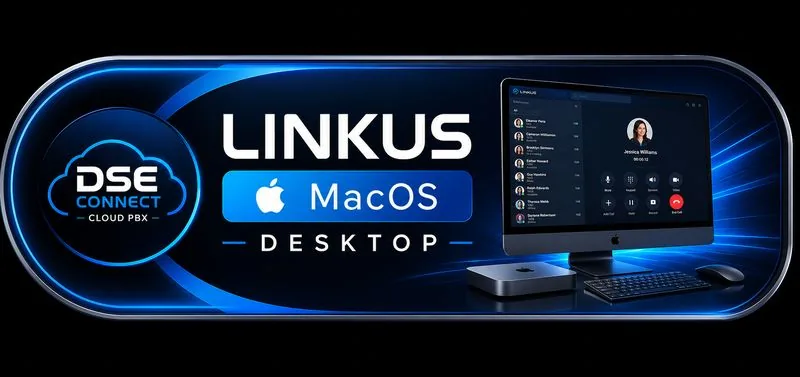
Always the latest version — updates are delivered automatically through the App Store and Google Play.
Powered by Yeastar, a DSE Connect technology partner. Downloads link to the official Linkus apps, always the latest secure release. Your account, setup and support stay with DSE Connect. Need help setting up? Contact us
Need a hand getting set up? Talk to our support team or browse the Downloads page.
Handle WhatsApp calls from the DSE Connect UC App
With the WhatsApp Calling add-on, your team can answer customers’ WhatsApp voice calls in the same app they use for business calls, without giving out personal numbers. Staff can also call customers back on WhatsApp where those customers have allowed it. Meta’s calling rules and fees apply, and app availability depends on your plan. Paid add-on on DSE Connect hosted packages only.
Ready to give your team one app for everything?
We will design the right setup for how your business actually works, then deploy it and support it.









See it running on your own number
Book a short walkthrough and we’ll show you the UC App on desktop and mobile, side by side.
One app, every device
The DSE Connect UC App puts your business phone system on the devices your team already uses.
One app for calls, chat and meetings
Call, message and join meetings from a single DSE Connect app instead of switching between tools.
Presence and call flip
See who is available and move a live call between your phone, PC and desk phone.
Business number on any device
Show your office number on outbound calls from your mobile, keeping personal numbers private.
Contacts and call history
Company directory and call history follow you across devices.
CRM click-to-call
Call straight from a CRM record on supported integrations.
Voicemail and transcripts
Read voicemails as text where transcription is added.
In your pocket.
- Receive office calls anywhere with data or Wi-Fi.
- Keep your business caller ID on outbound calls.
- Switch between Wi-Fi and mobile data without dropping the call.
At your desk.
- Dial from your PC with a headset.
- Click-to-call from your contacts and integrations.
- See colleague presence at a glance.
No install needed.
- Sign in from any modern browser.
- Ideal for hot desking and temporary staff.
- Same extension, same features.
UC App compared with a desk phone alone
| DSE Connect UC App | Desk phone only | |
|---|---|---|
| Take calls out of the office | Yes, on mobile and PC | No |
| See colleague presence | Yes | Limited |
| Move a live call between devices | Yes | No |
| Chat and meetings | Built in | Separate tools |
| Works alongside desk phones | Yes | Yes |
Power features for busy desks
- Log in everywhere at once — Stay signed in on desktop, mobile, browser and the Chrome extension at the same time, alongside your desk phone.
- Control your desk phone — Click-to-dial, hold, transfer and record on your IP desk phone from the desktop or web app.
- Custom hotkeys — Set F1–F12 shortcuts for speed dial, intercom, BLF monitoring and call control.
- Call notes and dispositions — Tag calls (e.g. Sales, Support, Callback required) with notes that follow transferred calls and are searchable in call logs.
- Microsoft 365 contact sync — Two-way contact sync with Microsoft 365 / Outlook and supported CRMs (included or paid add-on, depending on your package).
Feature availability depends on your plan and is confirmed on your service agreement. Call 010 110 1680 or WhatsApp 060 222 4724.
Frequently asked questions
What is the DSE Connect UC App?
It is the app that puts your business extension on your laptop, desktop, phone and browser, so you can call, message and meet from one place using your business number.
Which devices does the UC App run on?
The UC App runs on desktop, mobile and in a browser. App availability depends on your plan.
Can staff call customers back on WhatsApp from the UC App?
Yes, where the customer has allowed it and your hosted package includes the WhatsApp Calling add-on. A staff member dials 88 followed by the customer's number. WhatsApp Calling is a paid add-on on hosted packages only, and Meta's rules and fees apply.
Does the UC App work with Microsoft Teams and our CRM?
Microsoft Teams, Outlook and CRM integration are listed features of the UC App. Teams is included on the Elite plan and is an add-on on Pro and Enterprise. Scope is confirmed before you sign.
How to get started with the DSE Connect UC App
- Get your extensionWe create your business extension on the DSE Connect Cloud PBX.
- Install the appDownload the UC App for desktop or mobile from the downloads section, or sign in through a browser.
- Sign inSign in with the details we give you, and your business number is ready to use.
- Make and receive callsCall, message and meet from the same app on any of your devices.